Filed under: extraction · vol. 1, fasc. 3

A field guide to the wild web, rendered in clean JSON.

Describe the fields you need from a public webpage. Apiflip renders the page, builds a reusable selector schema, and returns structured JSON. When selectors stop matching, uncertain repairs remain reviewable; confident repairs may apply automatically unless the schema is frozen.

Chapter 1.

The method, in three movements.

Each survey begins the same way. The reader will recognise the shape after a single extraction.

  1. first

    Compose the prompt.

    A URL and a short paragraph in your own language: the title, the price, the author. The model proposes a reusable field schema; the saved selectors can be inspected later.

  2. next

    Receive a specimen, typed and dated.

    The server renders the page and applies the field schema. The result carries structured values, confidence, an audit ID, and the schema version used.

  3. lastly

    Rerun and review changes.

    Rerun a saved schema on demand. Apiflip compares structured values and can record and send a webhook when they change, signed when a secret is configured. Failed deliveries can be retried manually. Low-confidence selector repairs wait for review.

Chapter 2.

Field notes on what tends to go wrong.

The implemented workflow handles rendered pages, saved selectors, and on-demand rechecks. Its limits are part of the method.

Specimen no. 1

Self-healing selectors.

If saved selectors stop finding fields, apiflip can propose replacements from the current page. Confident repairs may be applied automatically unless the schema is frozen; uncertain repairs remain reviewable.

A selector repair is conditional; it is not a guarantee that every redesign can be recovered.
Specimen no. 2

JavaScript-rendered pages.

Apiflip uses headless Chromium to render a page before extraction. Dynamic content may still be unavailable if the site blocks access or loads beyond the configured wait.

no. 3

On-demand runs

A saved schema can be rerun through the API. There is no recurring scheduler or proxy rotation in the current product.

no. 4

Change-only webhooks

A manual rerun compares structured values with the last snapshot. Registered webhooks are recorded before sending when values change and signed when a secret is configured. Failed deliveries can be retried on demand.

no. 5

Bounded access

The server refuses local and private-network targets. An optional robots.txt guard can refuse pages whose site rules disallow access.

Chapter 3.

A specimen, prepared for inspection.

This static specimen shows the shape of a request and a possible JSON result. It is not a live extraction, measured response, or account signup.

Illustrative input only. Run a real extraction in a configured local app with an API key.

Specimen, abridged

application/json

{
  "articles": [
    {
      "title": "Example article",
      "author": "A. Researcher"
    }
  ]
}
Plate II. Synthetic JSON example; no page was fetched to produce this specimen.

Chapter 4.

The current edition.

Apiflip is a locally run prototype. The extraction path is implemented; a hosted account, subscription, and recurring survey service are not.

Implemented locally

Rendered-page extraction, reusable schemas, on-demand reruns, conditional selector repair, audit identity, and change-only webhooks (signed when a secret is configured) with background and manual delivery retry.

Still to build

Cron scheduling, proxy rotation, authenticated-page sessions, real user accounts, and a verified hosted access path.

Read the source-backed project record →

Chapter 5.

Taking a copy into the field.

Apiflip runs on your own machine, for one operator, on loopback. It needs Node 22 or newer, Playwright's Chromium, and an API key for Anthropic, OpenAI, Google or OpenRouter — provider calls are billed to that key. The source is private for now, so this takes access to the repository.

From a checkout

npm install
cp app/.env.example app/.env     # add a key
npx playwright install chromium
npm run dev                      # :5500/dashboard

  1. i.Open the dashboard and create a local API key. Only its hash is stored; the secret is shown once.
  2. ii.Paste a URL, describe the fields in your own words, and extract. The schema is saved for reruns.
  3. iii.Call the same thing from code with POST /api/v1/extract and an Authorization: Bearer header.

A self-contained Linux x64 package is built from the same checkout with npm run package:local. Keep the unauthenticated local install off public networks.

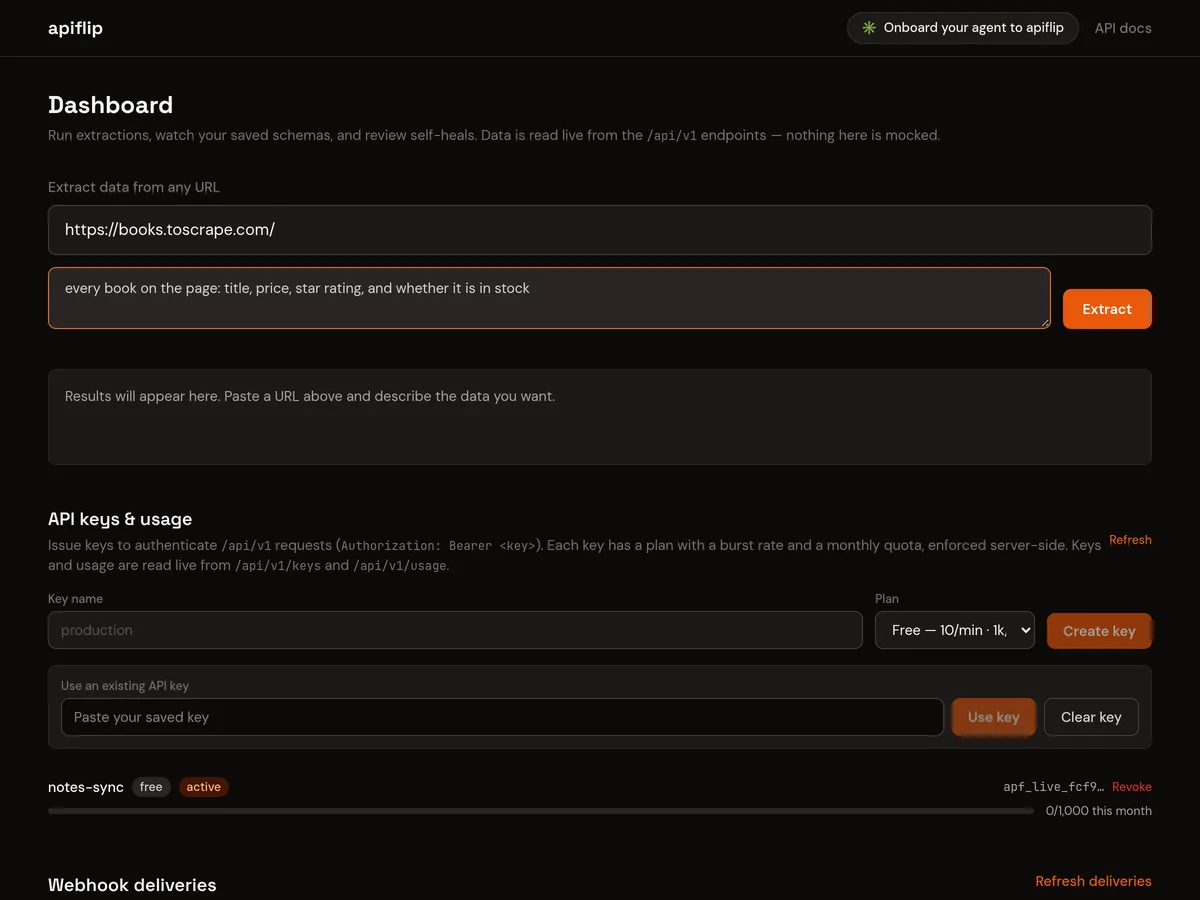
Plate III. The local dashboard

127.0.0.1:5500

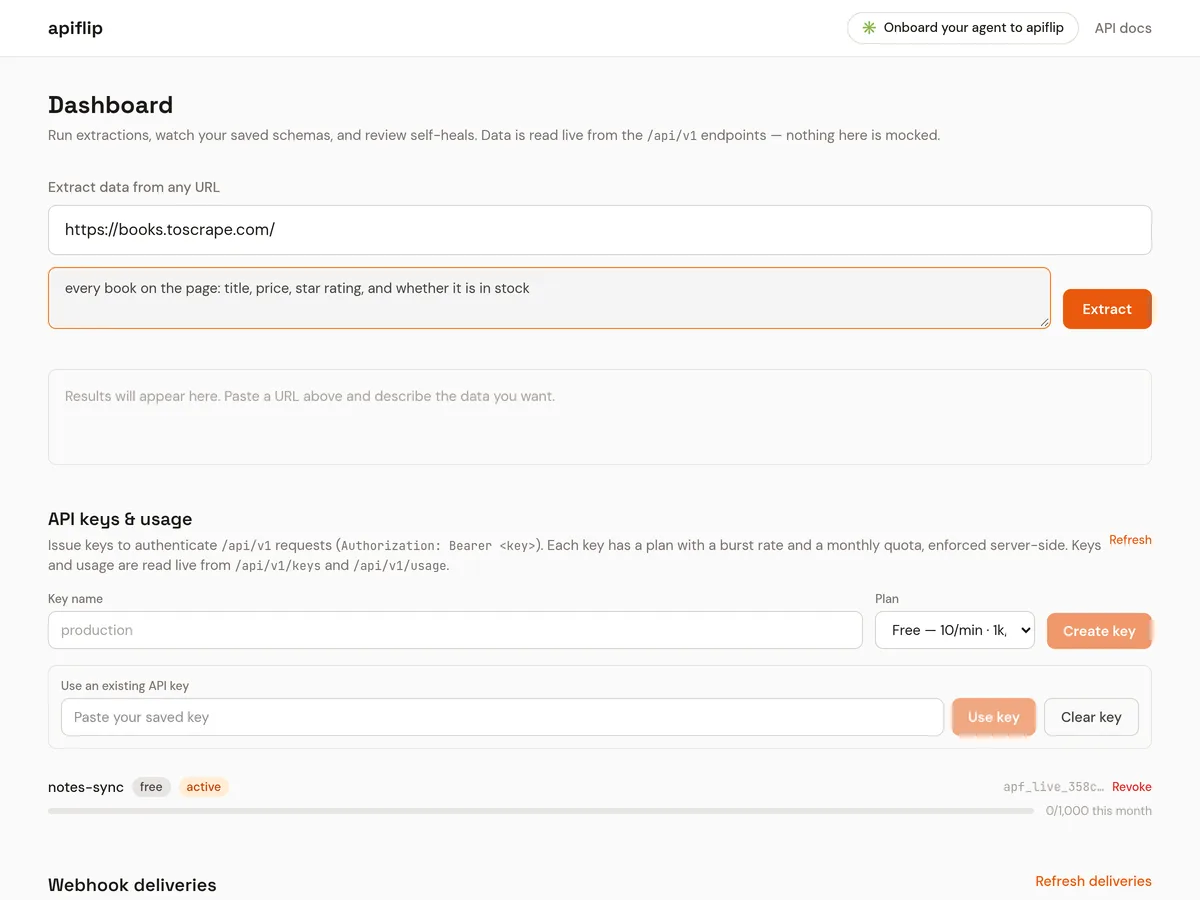
The Apiflip dashboard with a local API key selected, a URL of books.toscrape.com and the request 'every book on the page: title, price, star rating, and whether it is in stock', ready to extract.
A screenshot of the real app, just before a first extraction: one key created, the form filled in, nothing run yet.

Correspondence.

Questions, anticipated.

These answers describe the local source, not a hosted extraction service. The source-backed project record carries the current access boundary.

If saved selectors fail, Apiflip can propose replacements from the current page. A confident repair may be applied automatically; uncertain repairs and frozen schemas require review. A repair is not guaranteed for every redesign.